
Your next kitchen
starts with a simple step.
Start with the kitchen you have. Find the look you love. Bring the details together before you order.
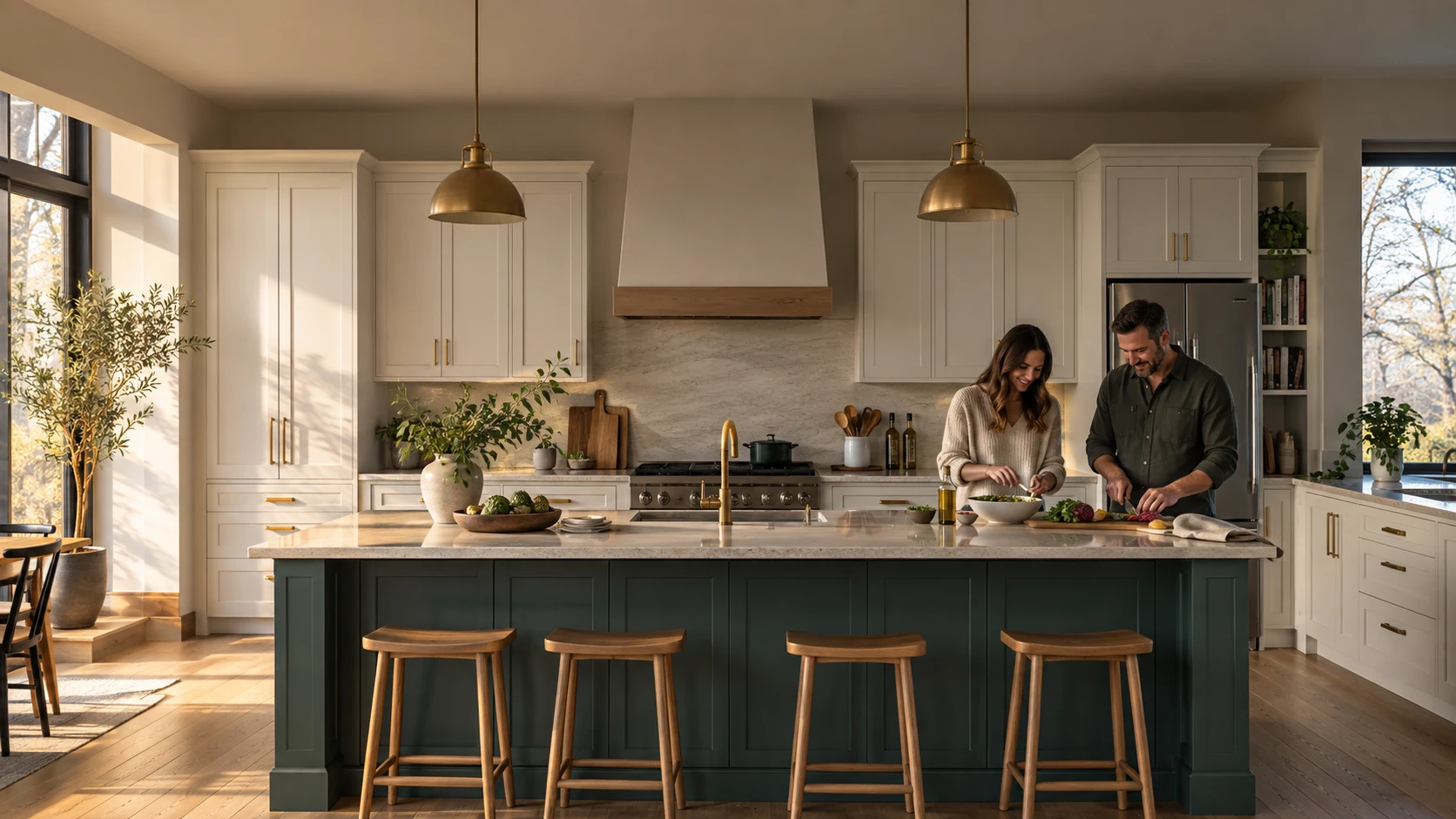
A little look around.
A clearer place to start.
You don’t need to have every answer yet. Start with a view of your kitchen, then work through the details.
Show us your kitchen.
Open the visualizer on your phone and take a photo or choose one from your library. On a computer, scan the QR code to continue on your phone.
At the store without a photo? Explore the sample kitchen, then return when you’re home.
Choose your look.
See one kitchen preview. Add your email to save it and explore more styles and finishes; phone is optional. A visualization is not a quote or an exact colour match.
Plan with Home Hardware.
Confirm products, measurements and professional installation with your participating store. All purchases go through Home Hardware.
A saved design does not book a consultation.
Ready to take a look?
Start where you are—with the kitchen you already have.